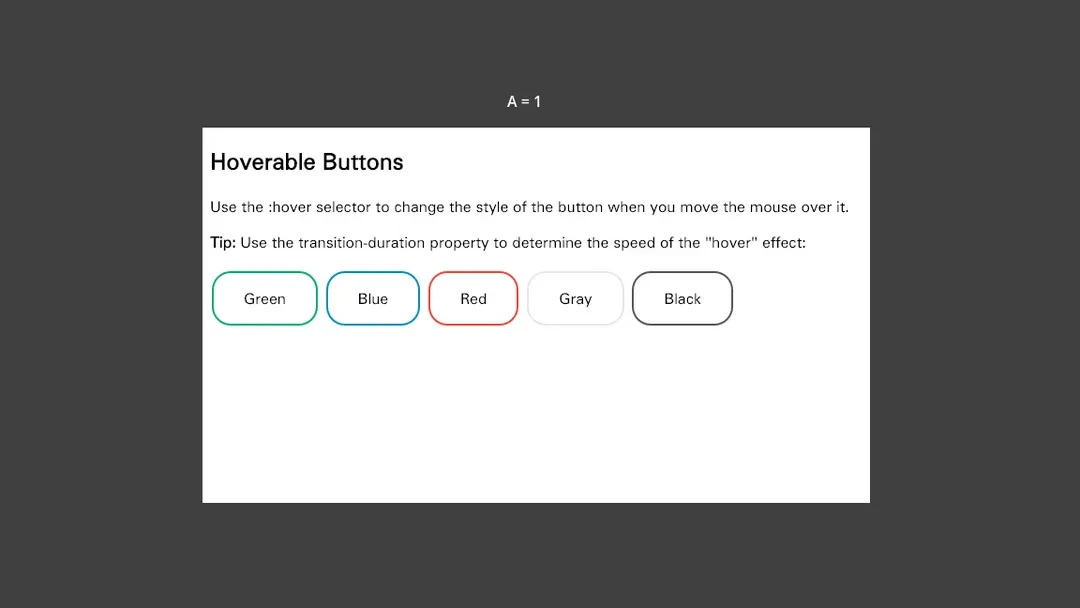
From button hover effects to C# callbacks. JavaScript calls Godot methods and updates a public property, reflected in a native label.
Paused
Functions & objects
GODOT × WEB × NATIVE
Compose interfaces in HTML and CSS. Connect JavaScript to your game. Bring web content into a HUD, an inventory, or your 3D world.
HTML / CSS / JavaScript
C# / GDScript
2D and 3D scenes
01 / THE COLLECTION
Running in Godot · Real recordings
Silent recordings · Run the samples in Godot
From button hover effects to C# callbacks. JavaScript calls Godot methods and updates a public property, reflected in a native label.
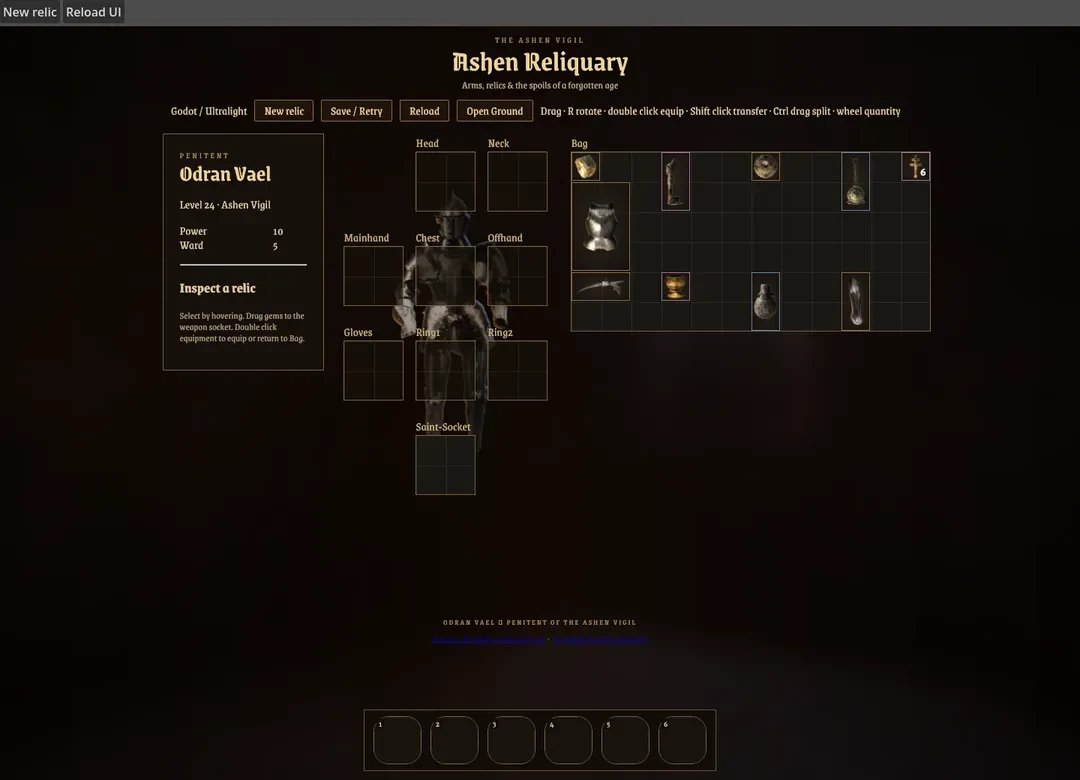
Equip relics, socket gems, split stacks and bind shortcuts. C# owns inventory state; the Vue interface refreshes detached copies after backend events.
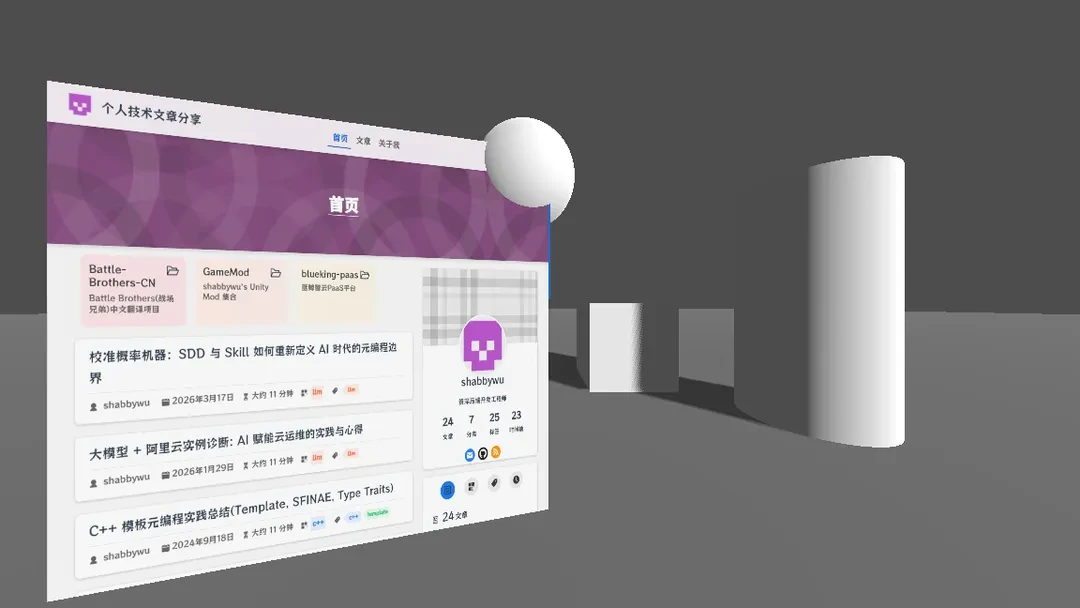
Put a scrollable page into a 3D world. A SubViewport supplies the mesh texture while physics objects share the scene.
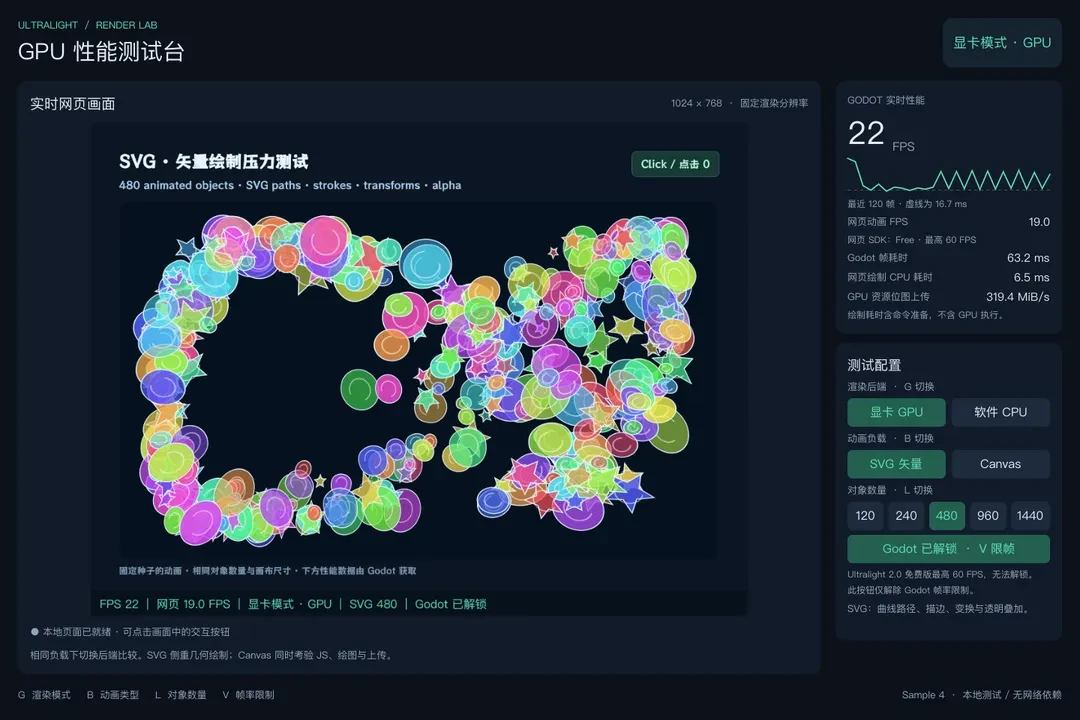
Switch GPU and CPU backends with SVG and Canvas animation. Inspect live output, rendering statistics and the frame-time graph.
02 / MAKE IT YOURS
Install the extension, add an UltralightView, and connect your game.
Download an extension package from Releases and extract it into your Godot project root. The manifest belongs at addons/ultralight-view/ultralight-view.gdextension.
your-project/
├── project.godot
└── addons/
    └── ultralight-view/
        ├── ultralight-view.gdextension
        └── bin/
Godot 4.3+ · Windows x86_64 / Linux x86_64 / macOS arm64
Add an UltralightView with a nonzero size, register application APIs with UltralightAPI, and attach the registry to the View. Registrations are restored after navigation. C# requires the packaged csharp sources, Godot .NET and a compatible .NET SDK.
extends Control

@onready var view = $UltralightView
var api = UltralightAPI.create("game")

func _ready():
    api.register_function("greet", func(name: String):
        return "Hello, " + name)
    api.attach(view)
    var loading = view.load_url("file:///ui/index.html")
    if not loading.is_completed():
        await loading.completed
    if not loading.get_result().ok:
push_error(loading.get_result().error.message)using Godot;
using Ultralight;
public partial class WebUI : Control
{
private UltralightApi api;
public override async void _Ready()
{
var view = UltralightViewClient.Wrap(GetNode<Control>("UltralightView"));
api = new UltralightApi("game");
api.Register("greet", Callable.From((string name) => "Hello, " + name));
api.Attach(view);
await view.LoadUrlAsync("file:///ui/index.html");
}
public override void _ExitTree() => api?.Dispose();
}Save this page as ui/index.html in your project.
<!doctype html>
<html lang="en">
<body>
  <button onclick="document.querySelector('p').textContent = game.greet('Godot')">Say hello</button>
  <p></p>
</body>
</html>